Yet Another SpaceWars Clone (YASC)

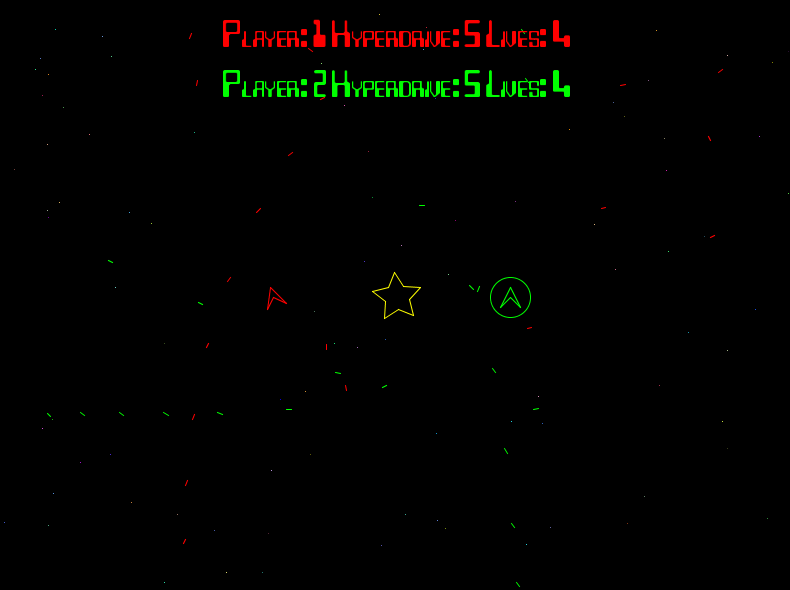
As part of an ongoing drive to make more games as part of the courses I teach, I present YASC. YASC is an  implementation of the classic SpaceWar game first programmed by Steve Russell at MIT in 1961. In my version, there are two player controlled spaceships. The left (red) player uses the WAD keys to maneuver, S to shoot and E to activate the hyperdrive. The right (green) player uses IJL to move, K to shoot and O to hyperdrive. Each player starts with 5 lives and the winner is the player who is still alive at the end of the game. Gravity affects the ships and the lazers. Fun to play and even more fun to make in Processing!
Untitled

Courses

Hey I am hosting all my courses on github this year. Check them out!

  • DT228 Object Oriented Programming – A second year course in OOP using Processing & Java. Youtube videos, code examples, labs & solutions.
  • DT508 Programming – A first year course in programming for game design students using Processing & Java. Code examples, labs & solutions.
  • DT228/DT211 Game Engines – A fourth year course in how to program a game engine using C++, OpenGL and the Bullet Physics Engine. Youtube videos, code examples, labs & solutions.
  • DT228/DT211 Game AI (Game Engines 2) – A fourth year course in how to program Game AI for Unity 3D. This is last years course. I’ll be updating in Semester 2

New version of Tunepal HD submitted to Apple

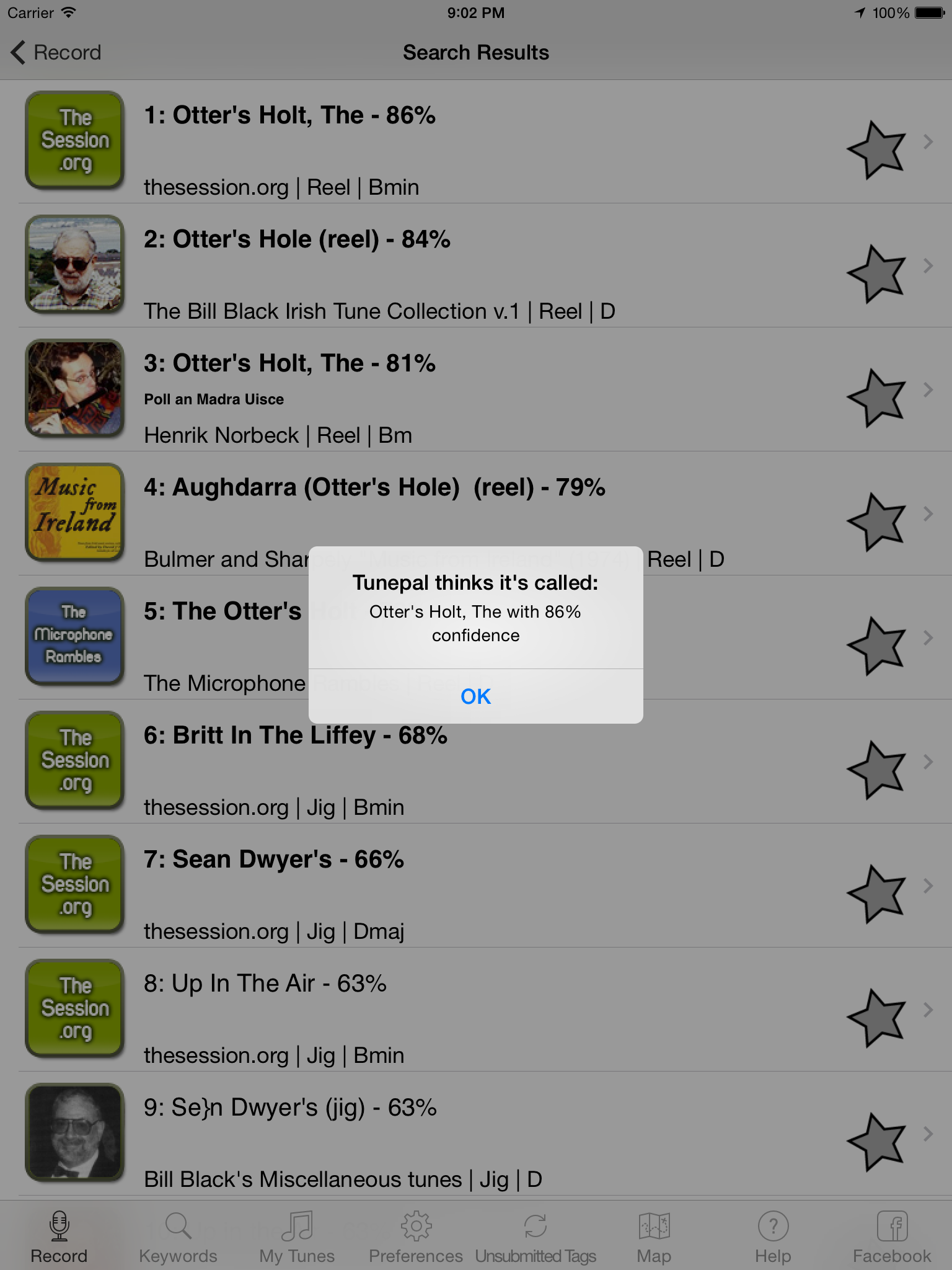
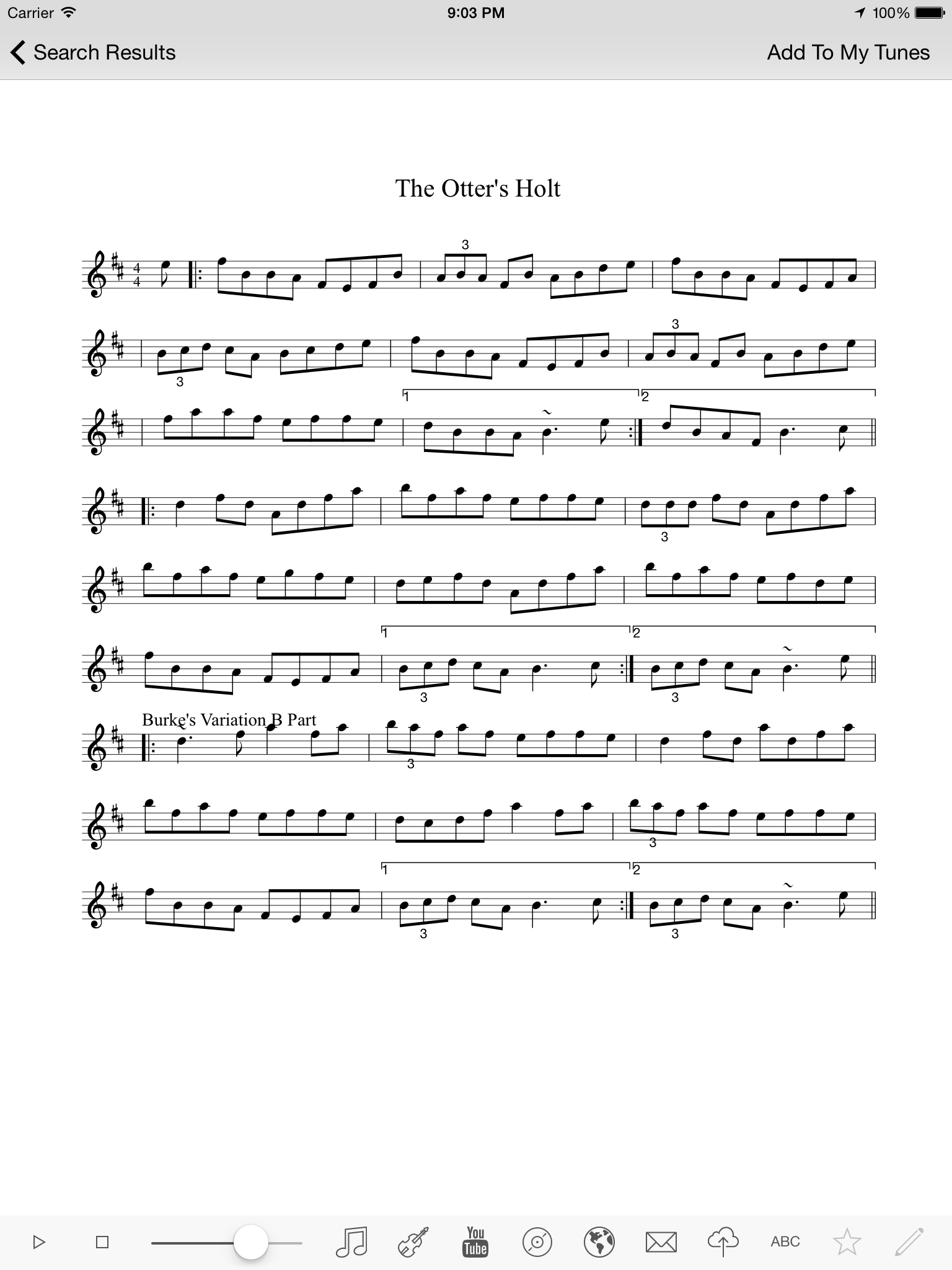
I am phasing the rollout of the new version of Tunepal for IOS by submitting the iPad version Tunepal HD first. Once Im happy it has rolled out successfully, I’ll submit the iPhone version. This version has lots of minor UI changes including an update to the IOS 7 look and feel. It also allows you to import and export tunebooks a lot more easily. The main use for this feature will be synchronising tunebooks across devices. What you can do with this version is email your tunebook to yourself, then open the email on another device and import the tunebook. Tunepal will ignore duplicates. This works across IOS and Android devices.

iOS Simulator Screen shot 10 Sep 2014 20.58.26 iOS Simulator Screen shot 10 Sep 2014 21.02.57 iOS Simulator Screen shot 10 Sep 2014 21.03.18 iOS Simulator Screen shot 10 Sep 2014 21.03.31 iOS Simulator Screen shot 10 Sep 2014 21.03.49

Oculus DK2 and Leap Motion VR Demo

Hey check out my latest VR demo using the Oculus Rift DK2 with the leap motion for hand tracking in VR:

You can download the binaries and try it out for yourself! At the moment there is a bug that stops the leap service after the program runs, so I’ve included a batch file you can run to restart the service. It will probably work with a DK1 or DK2, though I’ve only tested it with the DK2 Rift. The rift should be set up in extended mode as the secondary display for this project to work. If everything looks “inside out”, change the line:

culling = back

to be:

culling = front

In the file vrgame.properties in the Content folder. You can also run the demo in non-vr mode by editing the settings in this file

The demo is coded in C++ using my custom engine (BGE). Source code can be downloaded from my git repo by running the following command:

git clone https://github.com/skooter500/BGE

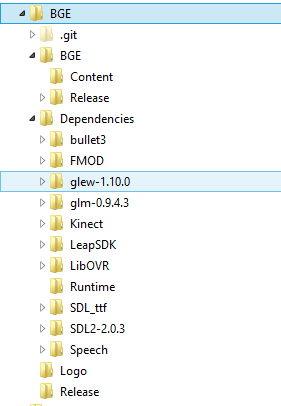
You also need to get the Dependencies and unzip them into the Solution folder so your directory structure for the project should be:

Untitled

Flocking in the Rift

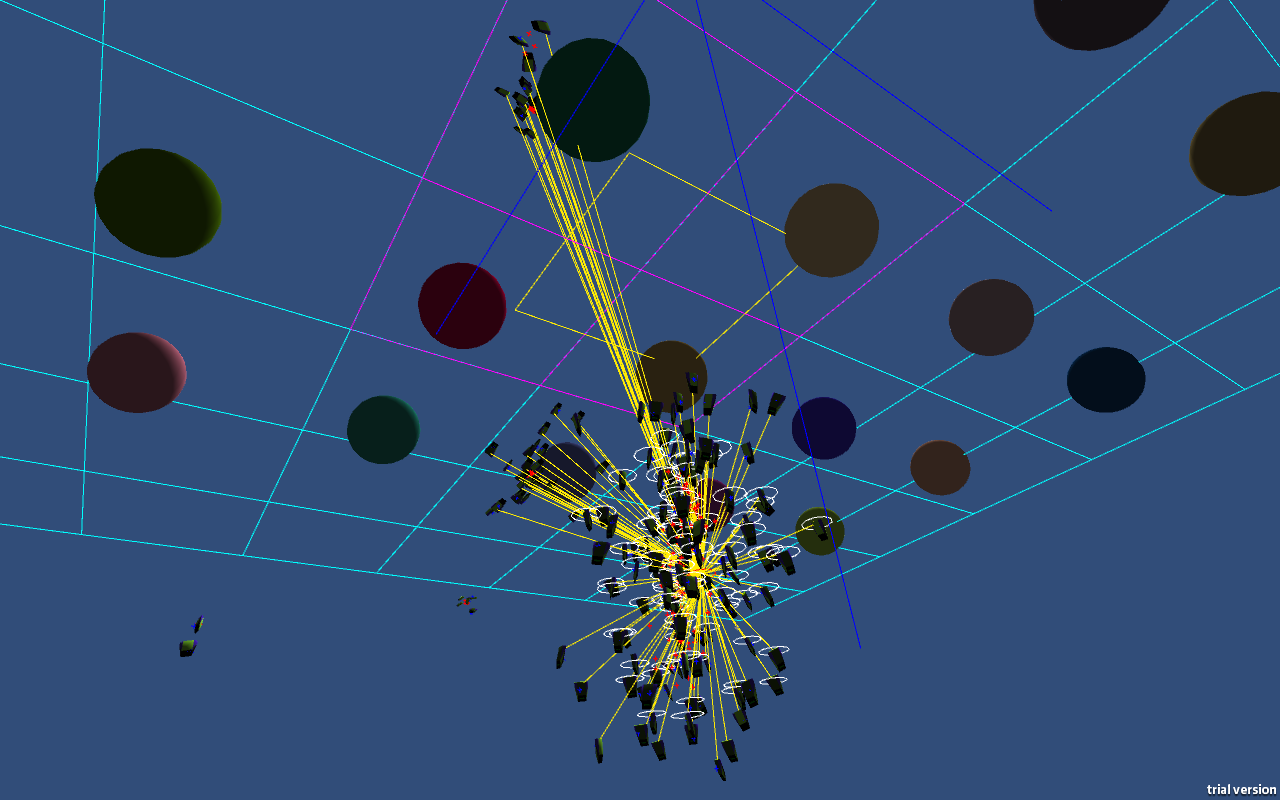
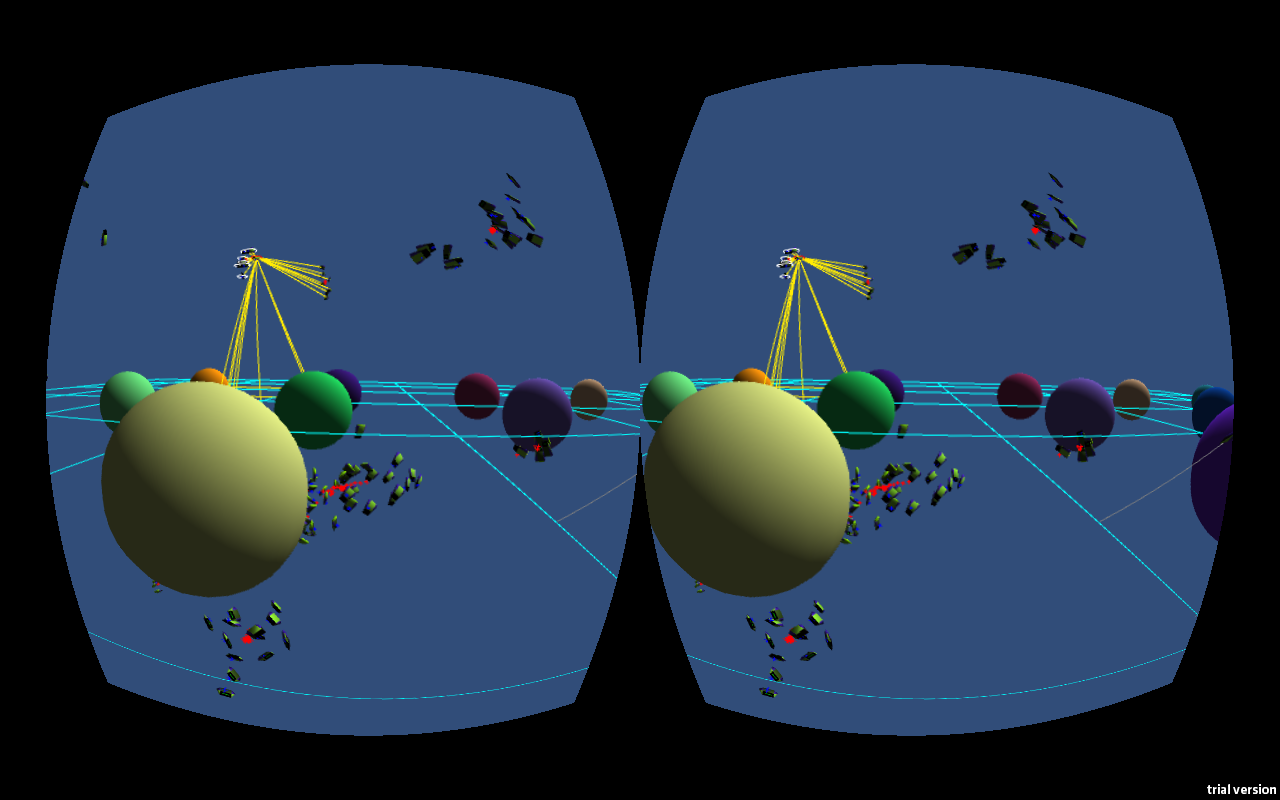
I have released a Unity/Oculus tech demo of various Game AI visualisation techniques I implemented in Unity, including a nice cool flocking demo that gives you a boids eye perspective. Its quite trippy and immersive, even though that was not the original intent.

Download it here!

It works best with headphones and an XBox game controller.

Controls:

A to switch camera modes (there are three)
B toggles cell space partitioning
Y adjusts the speed of the boids
X toggles debug drawing

In free camera mode, left thumbstick will walk/strafe and right thumbstick with look. Left trigger will fast walk

Right shoulder will cycle through the various demos.

The following keys also work:

0: Seek demo
1: Arrive demo
2: Pursuit demo
3: Wander demo
4: Path following
5: Dynamic obstacle avoidance and offset pursuit demo
6: Flocking
7: Finite state machines demo
8: Path finding

F1 Toggles camera modes
F2 Speed
F4 Toggles printing of a load of debugging information
F5 Toggles drawing of the boids vectors
F6 Toggles debug line drawing
F7 Resets the camera up vector
F8 Toggles cell space partitioning
F9 Toggles non-penetration constraint
F10 Toggles Rift mode

Press escape to quit

Image

Image

With thanks to Andy Duplain, Neural Technologies Ltd for the Elite models